.avif)
Website launch checklist - Free download

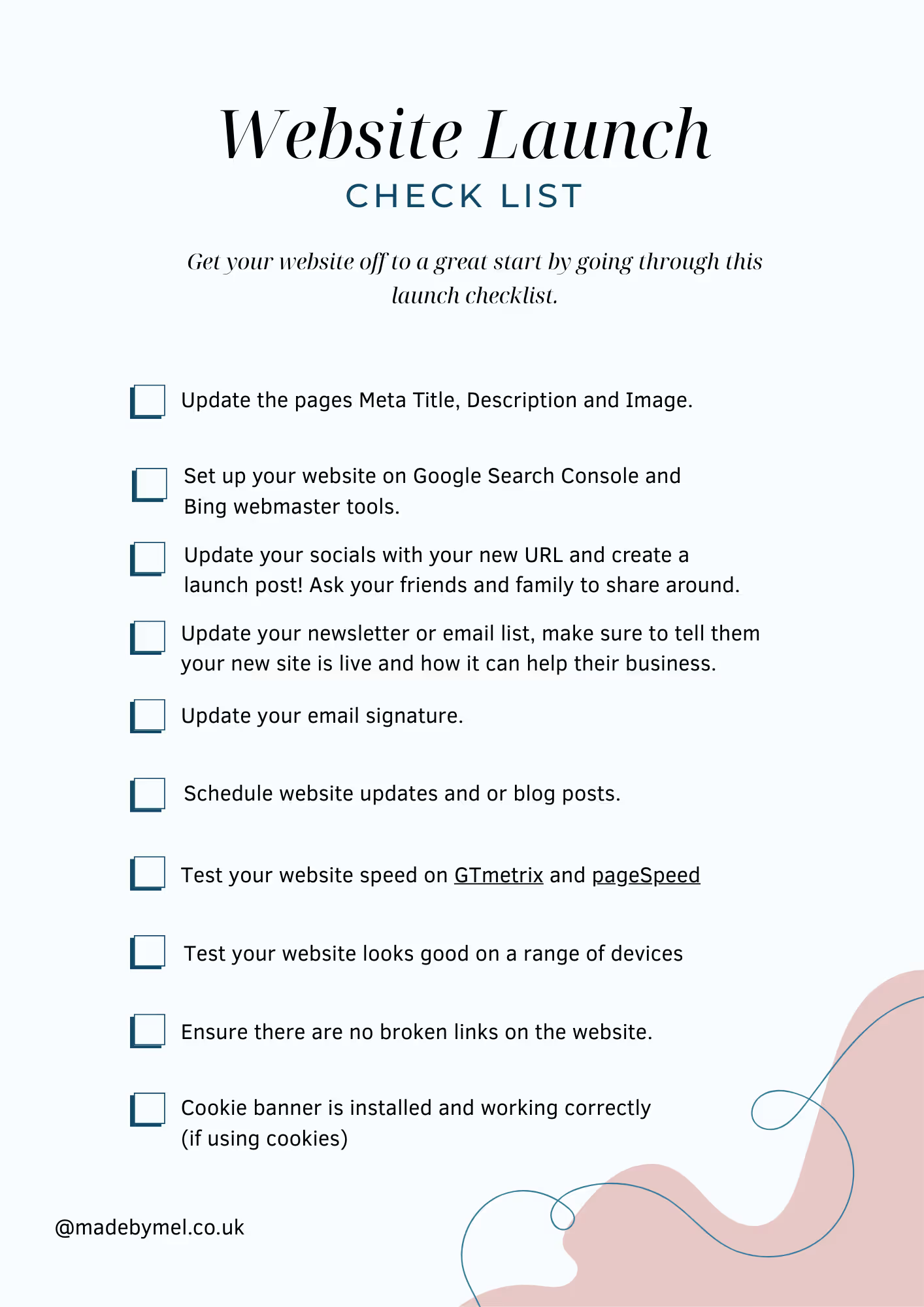
Get this free website launch checklist to give your website the best chance of success in the months after launch. Download the checklist and tick off each item as you complete it. More detail on each step is explained below.
What’s included in the checklist
- Updating your Meta title, description and Image. These can normally be updated by going to the individual page settings, find the Meta Area and fill in the details. Here are some key things to remember.
- Meta titles should be between 50–60 characters, put the main benefit or keyword first, brand name last.
- Meta description should be between 120-160 characters, Google may rewrite it anyway. Your goal is clarity + click-through, not perfection.
- Meta Image should be 1200w × 630h px, Keep text inside the central 80% (edges get cropped)
- Set up on Google Search Console and Bing webmaster tools, Both tools help search engines understand and index your website. The setup process will guide you through the steps, but you’ll need access to your domain’s DNS settings to complete it.
- Update your socials, edit your account pages and create a post. It's ok if you have 1 or many socials just be sure to update them, especially if your domain name has changed.
- Update your email signature.
- Your email signature appears on every email you send, which makes it a great place to link to your website and generate more visitors.
- How to update email signature on Gmail
- How to update email signature on Outlook (microsoft)
- Schedule website updates and or blog posts. It's important to do this for a few reasons.
- Search engines don’t want to send users to outdated websites. There are thousands of sites online that haven’t been touched in years, and they’re often ignored because they’re no longer relevant.
- Regular updates and new pages signal that your site is still active. Scheduling these in advance also makes you far more likely to follow through, and gives you a clear plan for what to improve next.
- Test your website on GTmetrix and PageSpeed.
- Many users will leave a website that takes longer than 3 seconds to load. These tools also highlight areas for improvement, including speed, SEO, best practices, and accessibility.
- Test your website for broken links. You can do this manually or by using a tool online.
- Cookie banner installed and working correctly. Most websites now use cookies, especially if they include tracking or third-party tools.
- Cookies are stored on a user’s device and track how they move around your site. A cookie banner allows users to choose whether they consent to this tracking.
- Third-party cookies should not be applied automatically until the user clicks “Accept” (or closes the banner, where implied consent applies). This is required for GDPR compliance.
- If you’re unsure whether this is set up correctly, I’d recommend asking a developer to check or using a cookie management service like Cookiebot.